Hiker Safety · by Stanage Foundation

STANAGEGO

SMS check-in and automatic emergency escalation for every hiker — no app, no data signal, no account required to get started.

A hiker sits on the edge of a gritstone bluff at dusk, phone in hand showing a contact card — Peak District moorland recedes into the distance.
Free to use · no subscription
Any phone · basic SMS is all you need
UK-wide · SMS works where data fails
iOS app available · GPS, Live Activities, push alerts
Hiker on a UK trail checking a map before continuing.

What is it?

A safety net that works on any phone, anywhere.

Every year, hikers get into trouble on UK hills and mountains. Sometimes it's a twisted ankle a few miles from the trailhead. Sometimes it's worse — a fall, a navigational error, exposure setting in as the weather turns.

STANAGEGO is a simple idea: tell it when you're leaving, tell it when you're back. If you don't check in on time, it escalates — first a reminder text to you, then an alert to your nominated emergency contact with your last known GPS position.

Trips can be managed entirely by SMS, and the iPhone app signs you in with Apple rather than a password. No web portal account or one-time phone code is required.

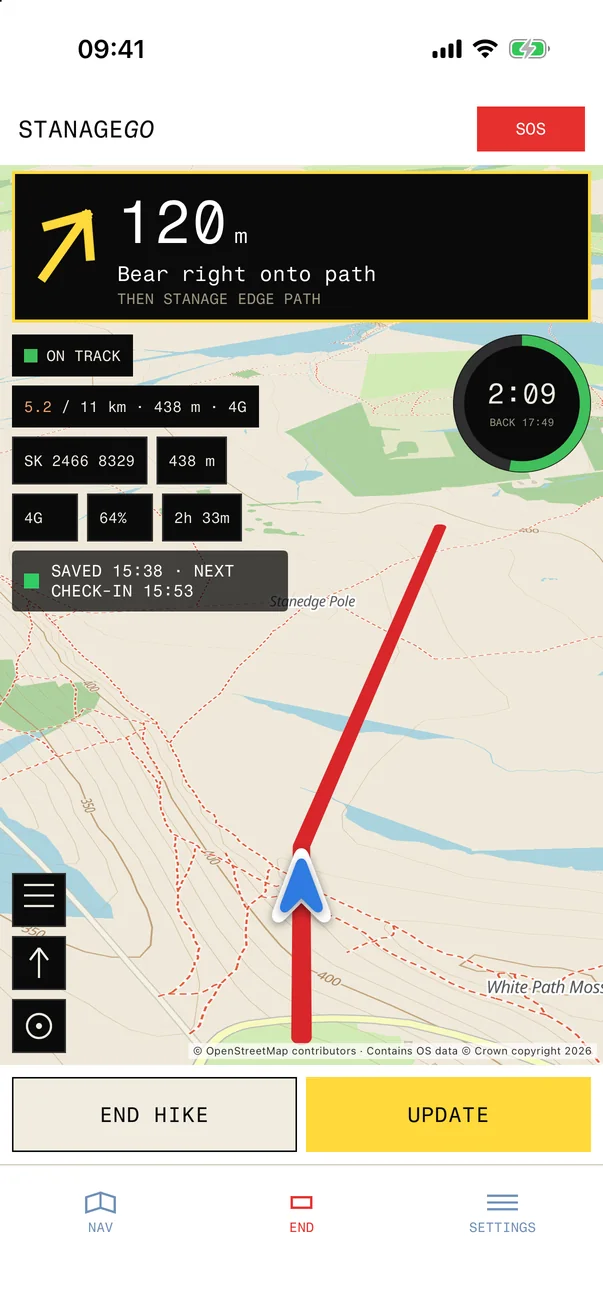
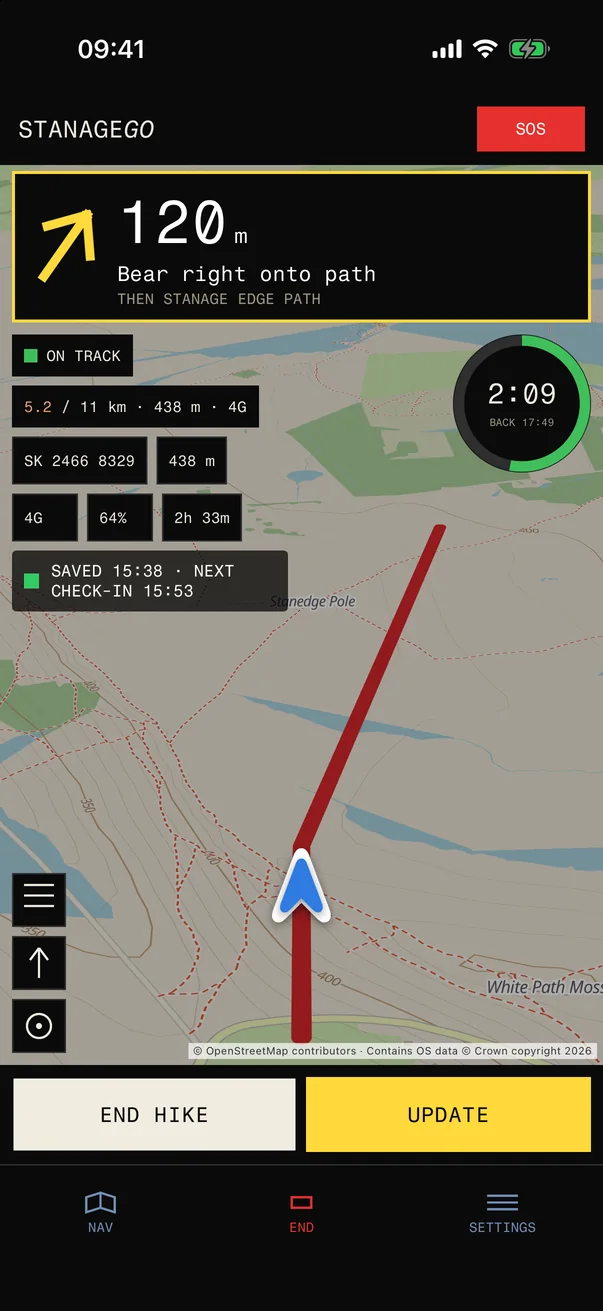
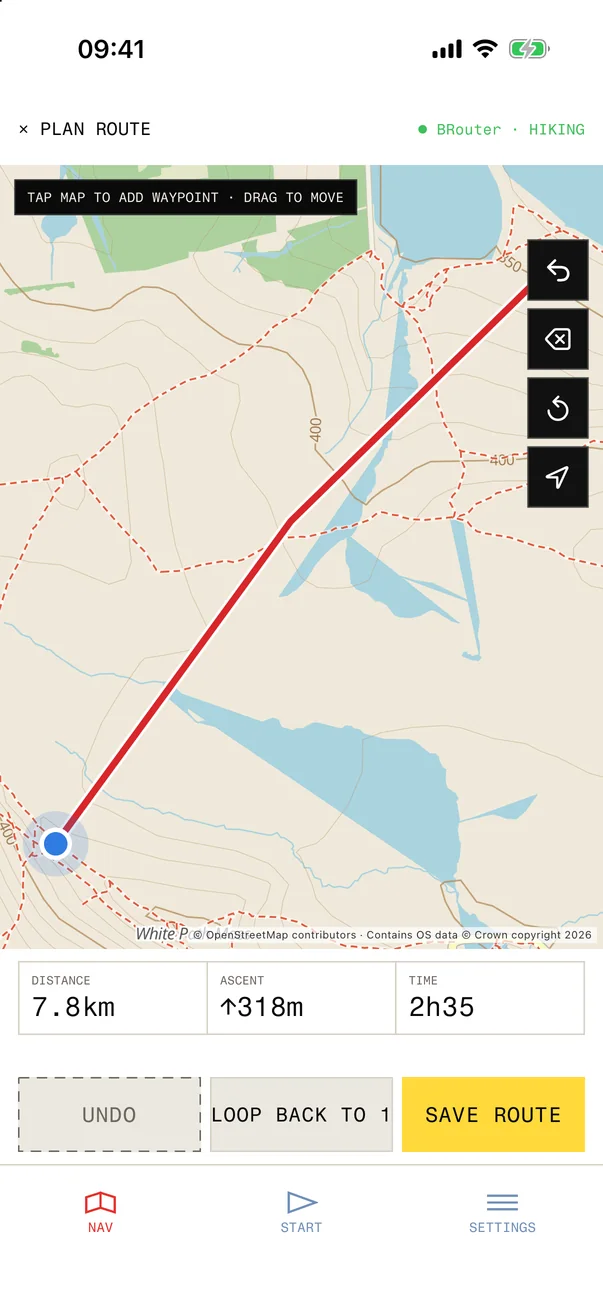
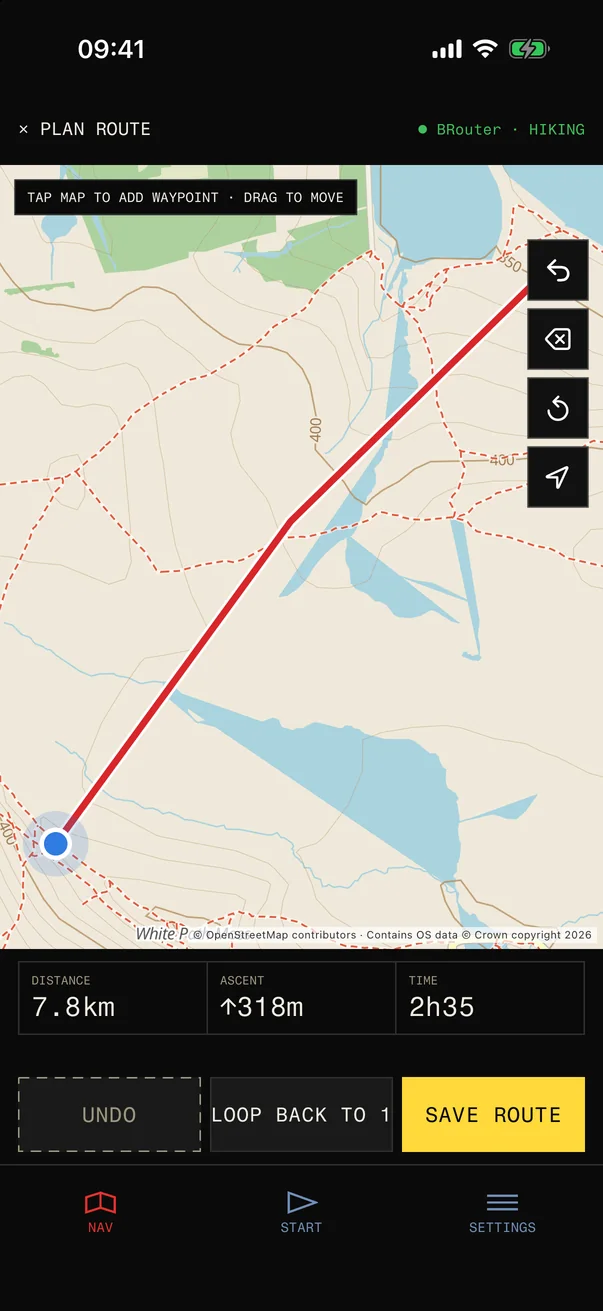
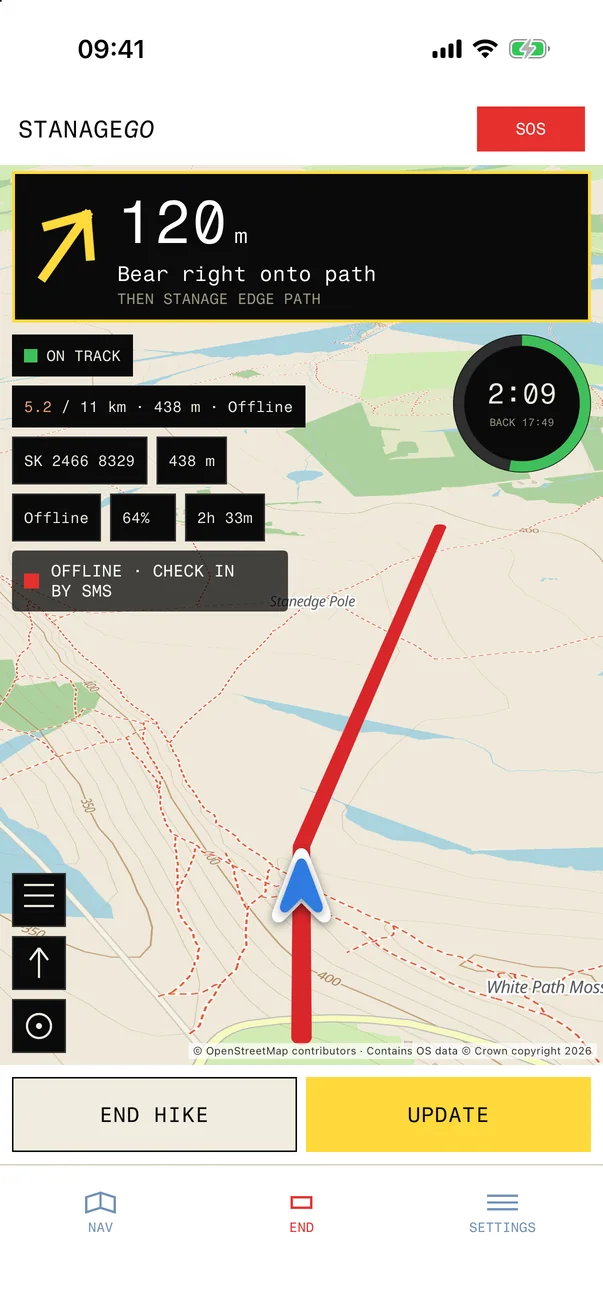
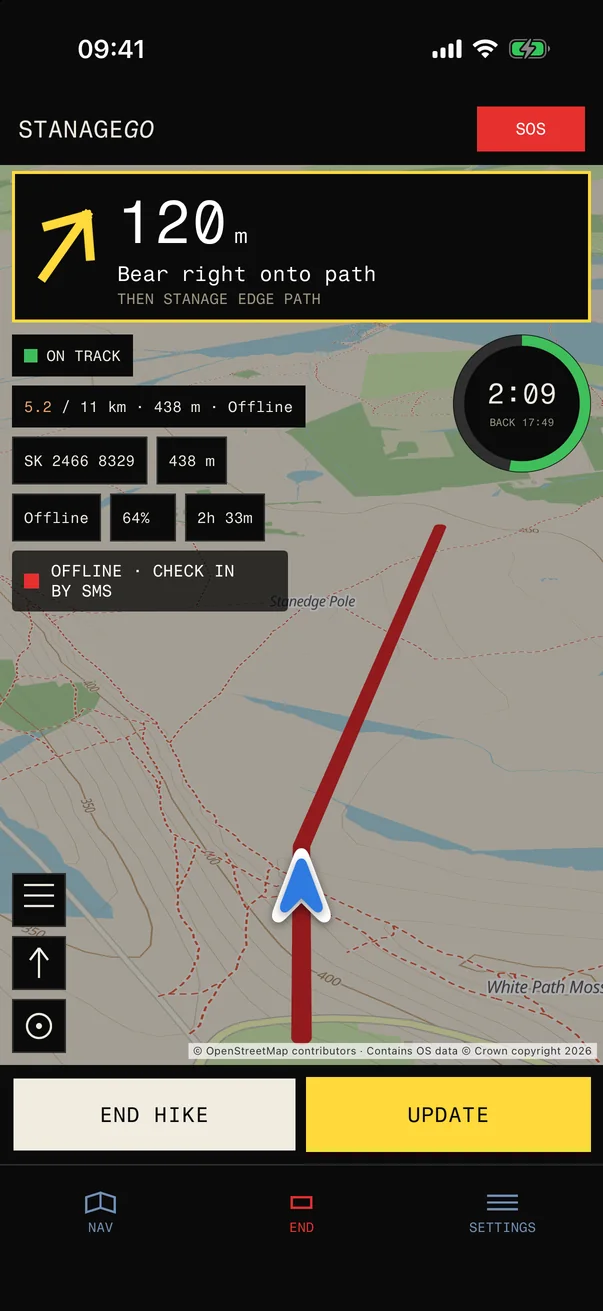
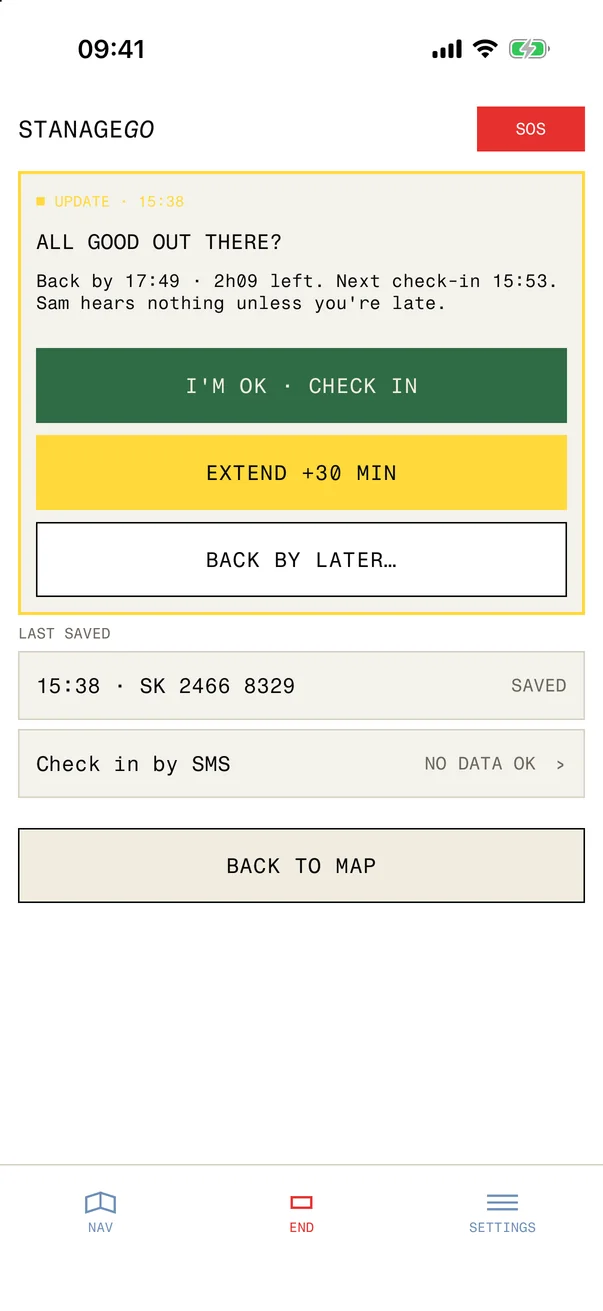
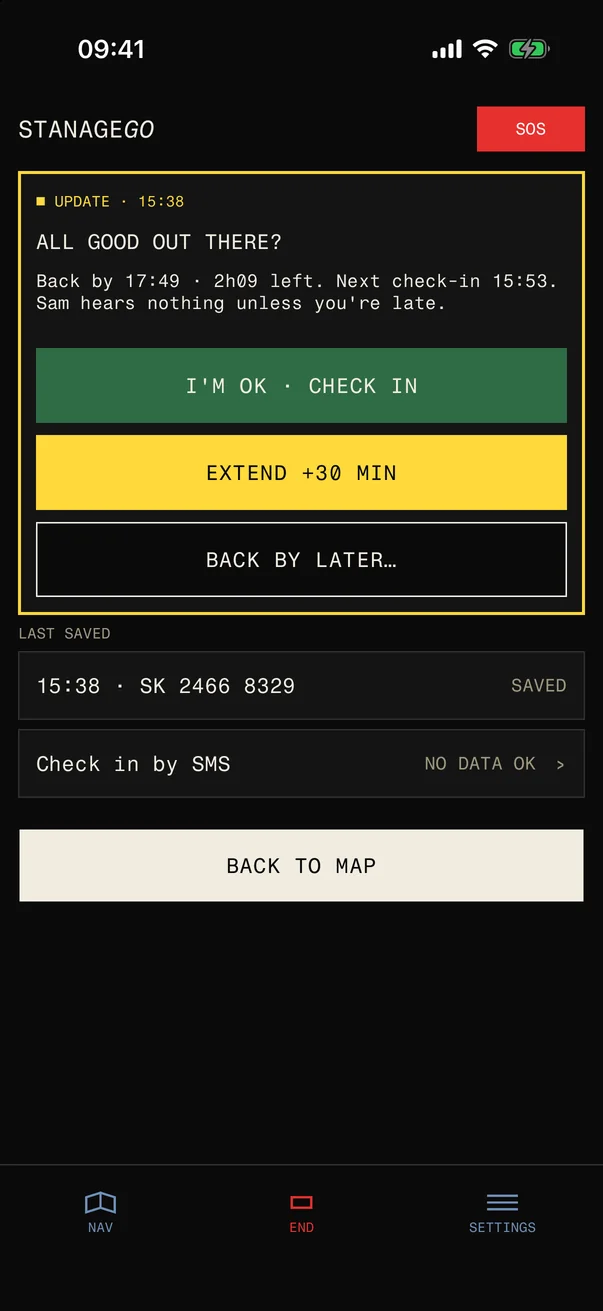
If you carry an iPhone, the STANAGEGO app adds live GPS tracking, Live Activities on the Dynamic Island, push notifications, and step counting — all running quietly in the background while you walk.


Feature 01

Register by text — no account needed first

Text the STANAGEGO number from any mobile. Describe your trip in one message and the system logs it against your number. No password, no email, no app download.

Just describe your trip in plain English: your route, where you're starting from, and when you expect to be back. A mid-trip check-in will be sent to you at the halfway point of your estimated time.

  • Works on any mobile — no smartphone or data signal required
  • Plain-English trip descriptions understood by AI — no fixed format
  • Mid-trip check-in at the halfway point of your walk time
  • Register an emergency contact when you set off, or save one to your profile
Open hillside path under a wide sky — typical UK walking country.

SMS trip logging

One message. Then you're covered.

Text STANAGEGO with your route and expected return time. The system ties the trip to the number you used, then replies with confirmation and your safety window.

After that, updates are just as simple. Send a note, extend your return time, or text LOG OUT when you're safely back.

Prefer richer controls? The iPhone app adds background GPS, push alerts, trip history, and on-device SOS tools while the SMS flow stays available on any phone.

You → STANAGEGO · 08:47
Stanage Edge circular from Dennis Knoll, back by 16:30
STANAGEGO · 08:47
✓ Trip registered. Mid-trip check-in at 12:39. Return deadline 16:30. Stay safe.
Running 20 mins late. Still on track.
STANAGEGO · 12:41
Got it. Update logged and your trip is still active. Text LOG OUT when you're back.
Hiker on gritstone edge at dusk with phone in hand.

Feature 02

iPhone companion — richer controls when you want them

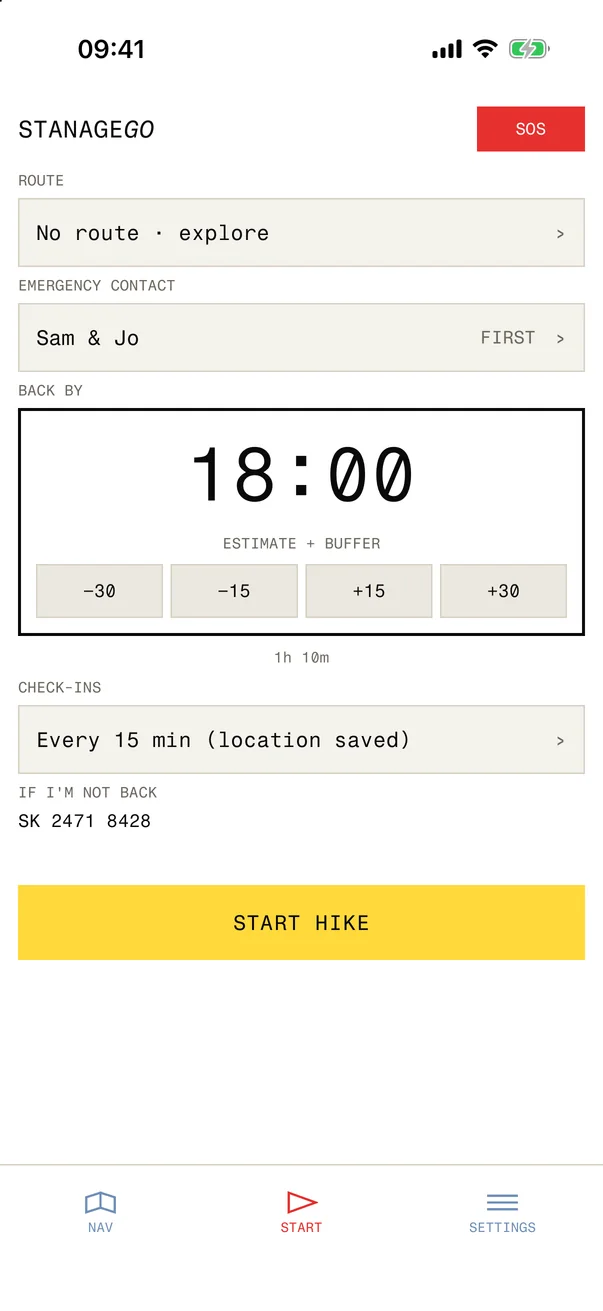
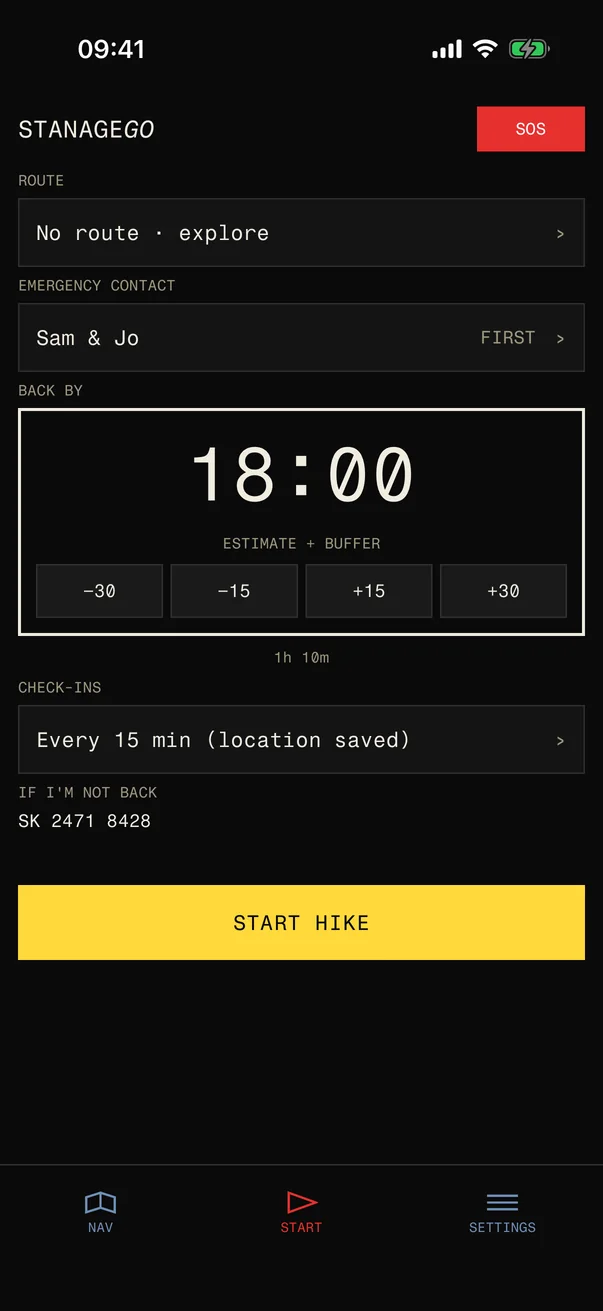
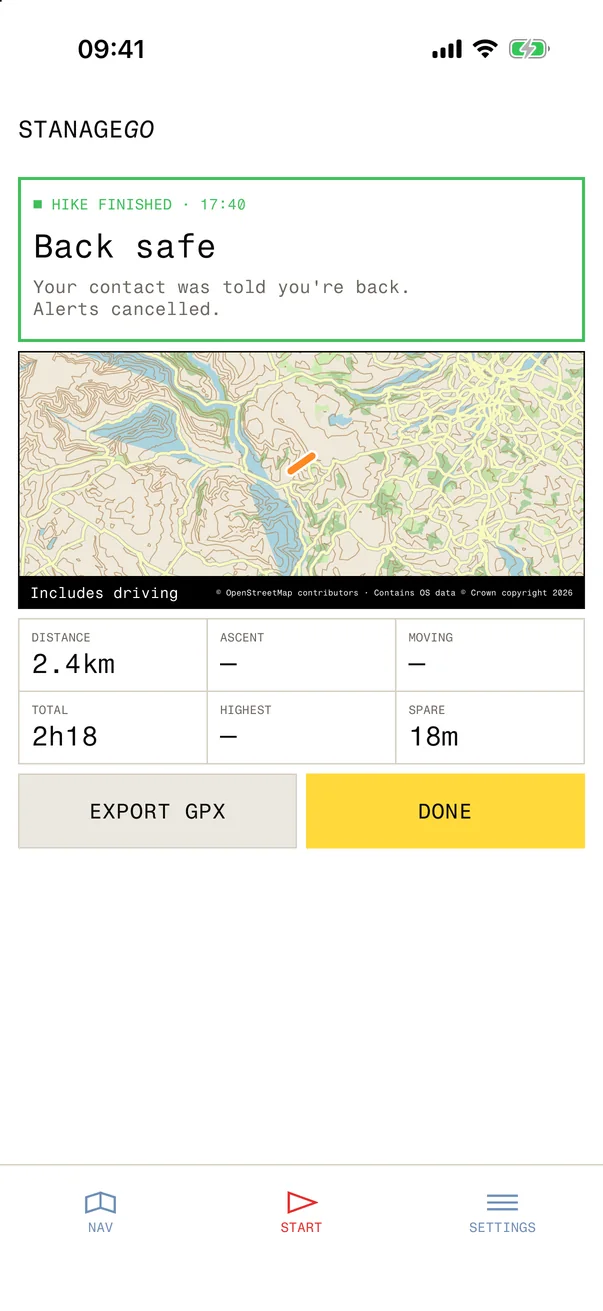
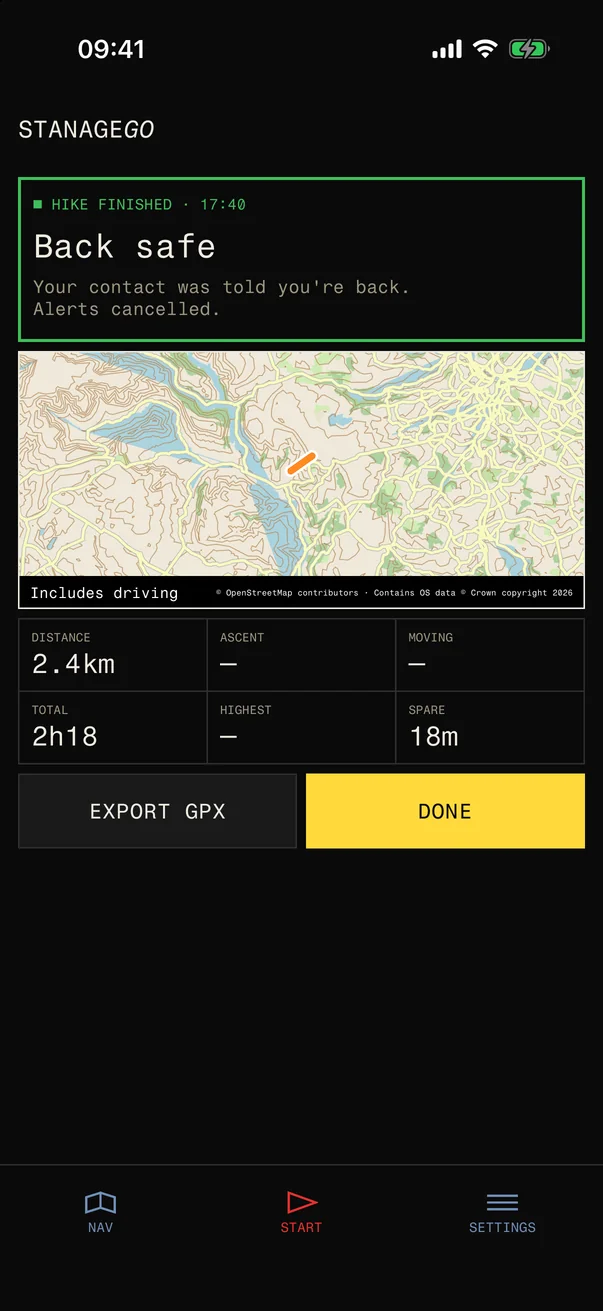
The iPhone app signs in with Apple and layers GPS tracking, Live Activities, push alerts, and trip history on top of the same safety system.

You can still register and manage trips over SMS at any time. The app is there when you want a map, a timeline, and background updates without opening Messages.

  • Sign in with Apple on iPhone
  • Background GPS with Live Activities and push alerts
  • Trip history and check-in timeline in the app
  • SOS tools with location sharing when signal is weak
  • SMS remains the fallback on any phone

Feature 03

Automatic escalation — no one needs to notice.

If you miss your return time, STANAGEGO doesn't wait for someone to check on you. The escalation sequence runs automatically, in order, until you reply or your emergency contact is reached.

Halfway
Mid-trip check-in
At the halfway point of your estimated walk time, STANAGEGO texts you a check-in prompt. Reply OK and the timer resets to your return deadline.
Normal operation
Overdue
Reminder sent to you
You've missed your return time. STANAGEGO sends you a reminder SMS — and, if you have the iOS app, a push notification too. This is your chance to confirm you're safe or update your return time.
Alert
No reply
Emergency contact alerted
No response to the reminder. STANAGEGO texts your emergency contact with your name, the route you registered, and your last known GPS coordinates. The message includes a direct link with everything they need to act.
Escalated

How it works

Five steps. No fuss.

01
Text your trip

Text the STANAGEGO number with LOG IN, or describe your route, start point, and expected return time in plain English. Your mobile number identifies the trip.

02
Add an emergency contact

Nominate someone who can act if you are overdue — a friend, family member, or partner. You can save contacts in the iPhone app for next time.

03
Walk with monitoring

STANAGEGO tracks your return window. With the iPhone app, GPS runs in the background and a Live Activity shows your check-in countdown.

04
Reply to your mid-trip check-in

At the halfway point of your estimated walk time you receive a check-in text. Reply to confirm you are on track.

05
Log out when you are back

Text LOG OUT when you are safely off the hill. Miss your deadline and STANAGEGO escalates — a reminder to you first, then your emergency contact.

Ridge walk with moorland stretching to the horizon.
STANAGEGO on iPhone — trip registration and safety features.

iOS App

More power on iPhone.

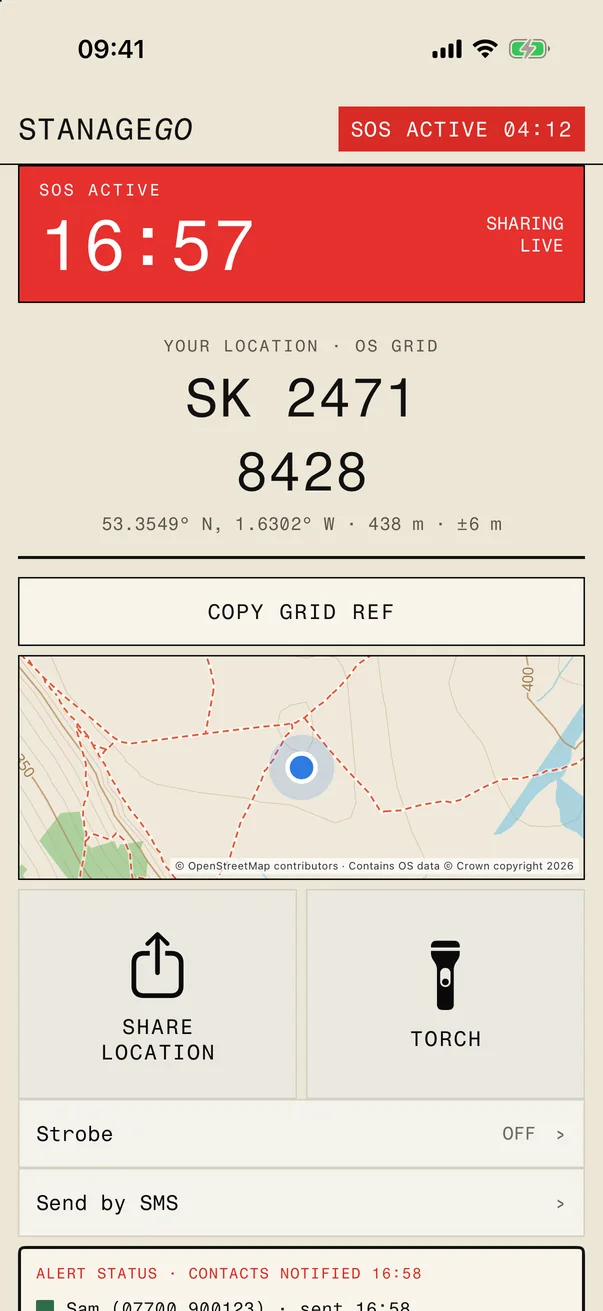
The free STANAGEGO iOS app connects to your existing account and adds live GPS tracking, push notifications, and real-time trip status directly on the Dynamic Island — all running quietly in the background while you walk.

When a trip is active, a Live Activity on the Dynamic Island shows your check-in countdown, steps walked, and GPS status at a glance — no need to unlock your phone. If your connection drops on the hill, the app switches to background GPS and syncs when signal returns.

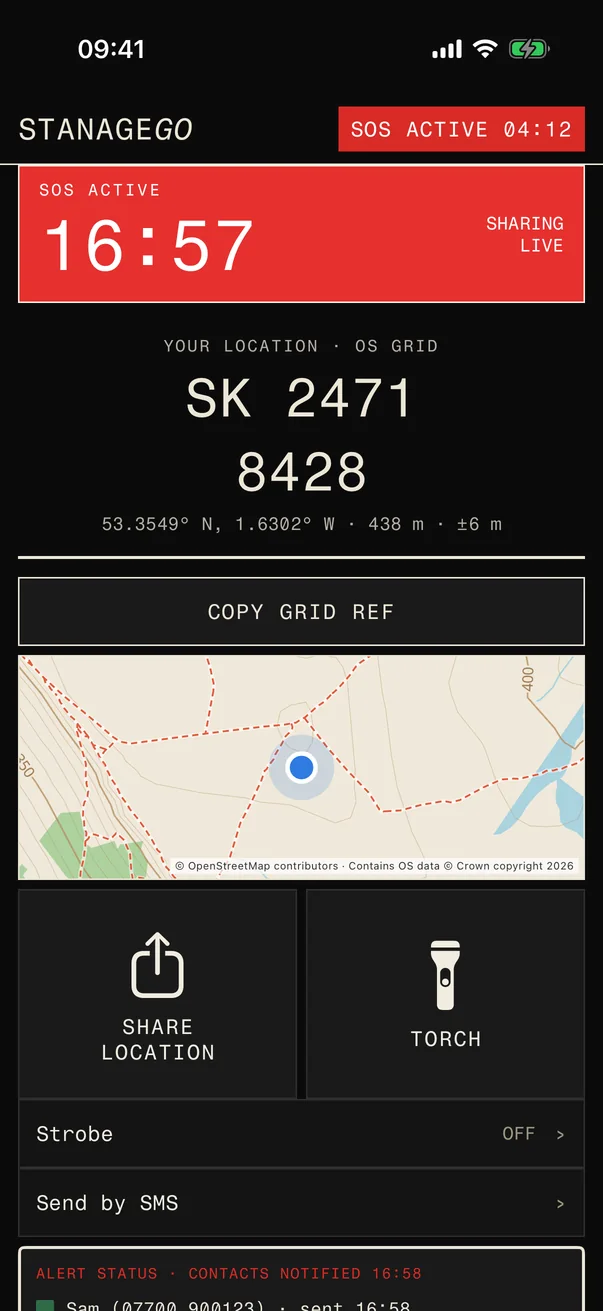
An SOS sheet is always one swipe away. In an emergency it shows your GPS position as an OS grid reference alongside the mountain rescue number.

Trip data syncs with the STANAGEGO service — separate from this stanage.org visitor guides. For SMS registration, see how it works.

Live Activities Dynamic Island Background GPS APNs push alerts Step counter OS grid ref SOS Trip history Works offline
SMS registration guide

Get started

Your next walk, covered.

Free to use. Works on any phone. A single text is all it takes to register your first trip.

Emergency
999

Police, ambulance, mountain rescue. Give your OS grid reference when you call.

Mountain Rescue
Edale MRT

Activated via 999. Covers the Dark Peak including Stanage Edge and surrounding moorland.

No signal
SMS 999

Register at emergencysms.net. Works where voice calls fail on the moor.